




DJI Action 2 Magnetic Protective Case

Κωδικός προϊόντος: 001490

[:en]Prevents damage from impact, scratches, and abrasions. Heat resistant to increase recording length under normal circumstances.[:]

Apple Shopping Event

Hurry and get discounts on all Apple devices up to 20%

Sale_coupon_15

19.00 

Εξαντλημένο

Εξαντλημένο

Αυτό το προϊόν έχει εξαντληθεί.

Μην ανησυχείτε! Πληκτρολογήστε το email σας και θα σας ενημερώσουμε μόλις το προϊόν επιστρέψει στο απόθεμα.

16 Οι άνθρωποι που παρακολουθούν αυτό το προϊόν τώρα!
  • Pick up from the Woodmart Store

To pick up today

Free

  • Courier delivery

Our courier will deliver to the specified address

2-3 Days

Free

  • DHL Courier delivery

DHL courier will deliver to the specified address

2-3 Days

Free

  • Warranty 1 year
  • Free 30-Day returns

Payment Methods:

Consistency

5 Years of Innovation in Skies

Drone Solutions

Biggest Drone Shop in Greece

Guarantee

Delivered Exactly as Agreed

In-house Warehouse

High-Quality Inventory

Loyalty

98% Smiles Guaranteed

Description

[:en]

Overview

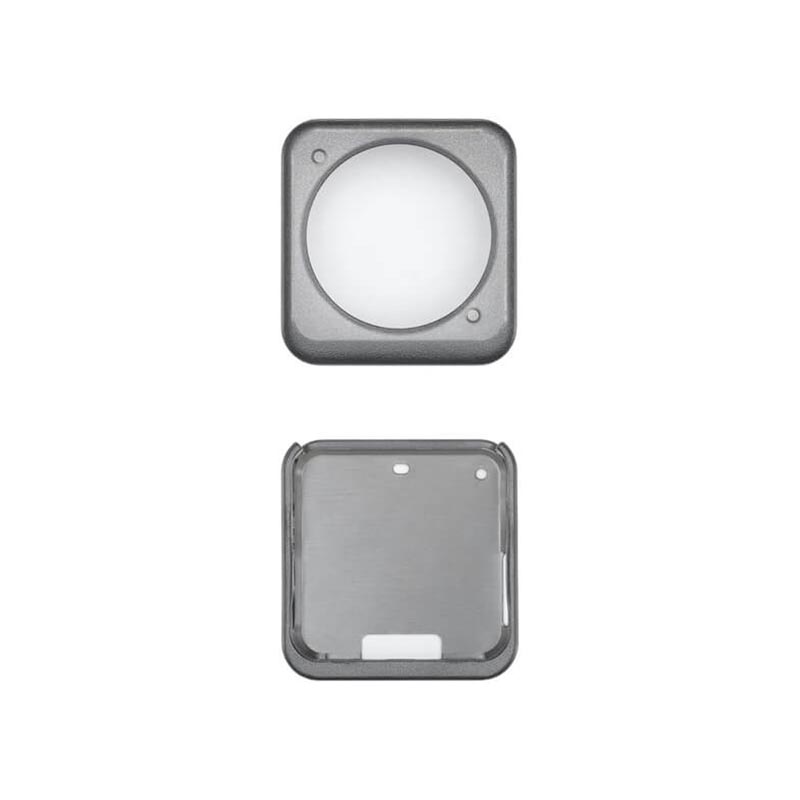
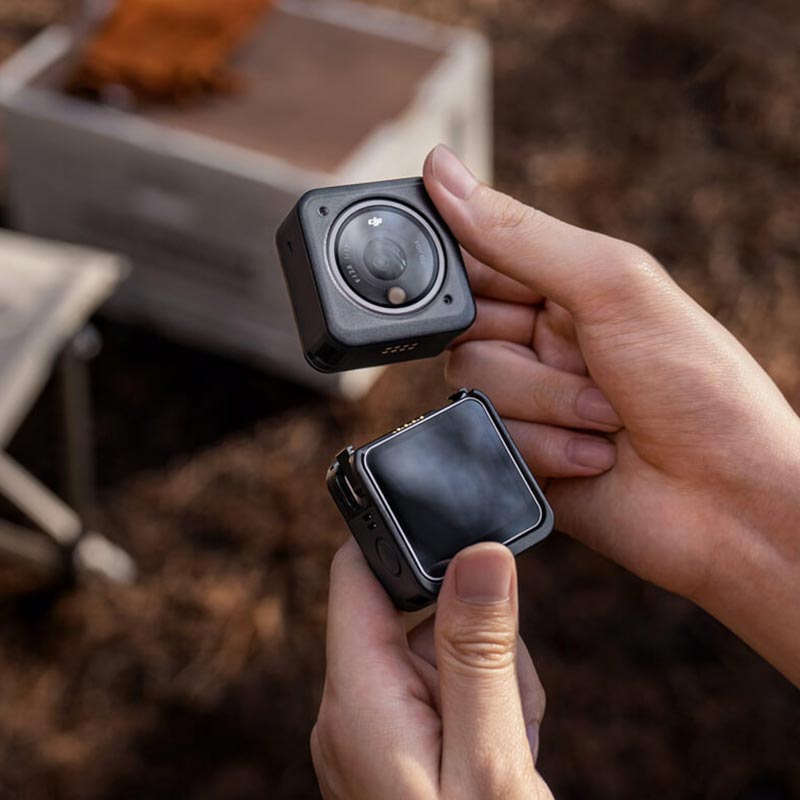
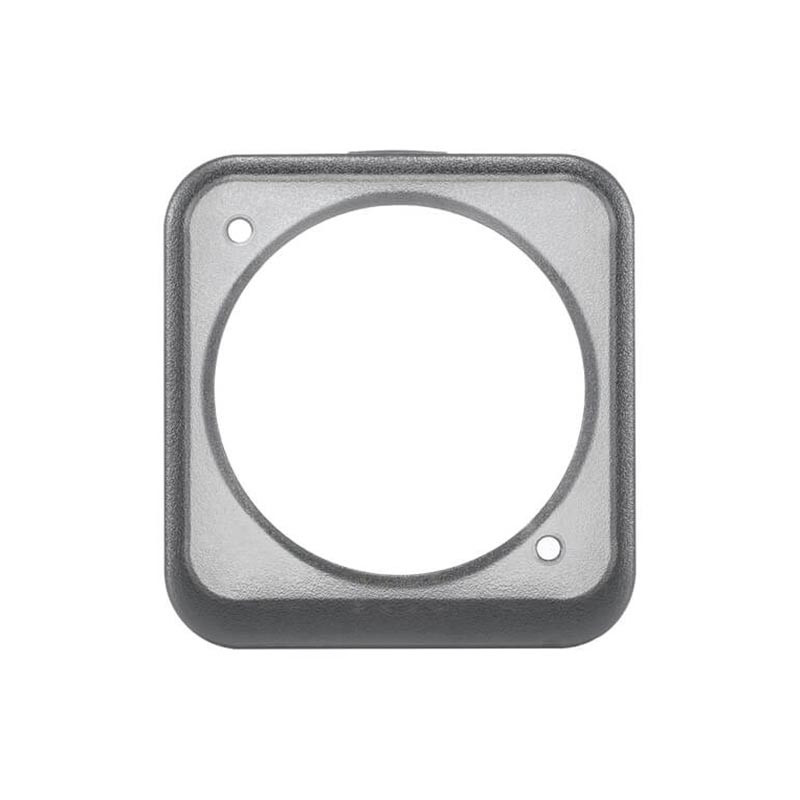
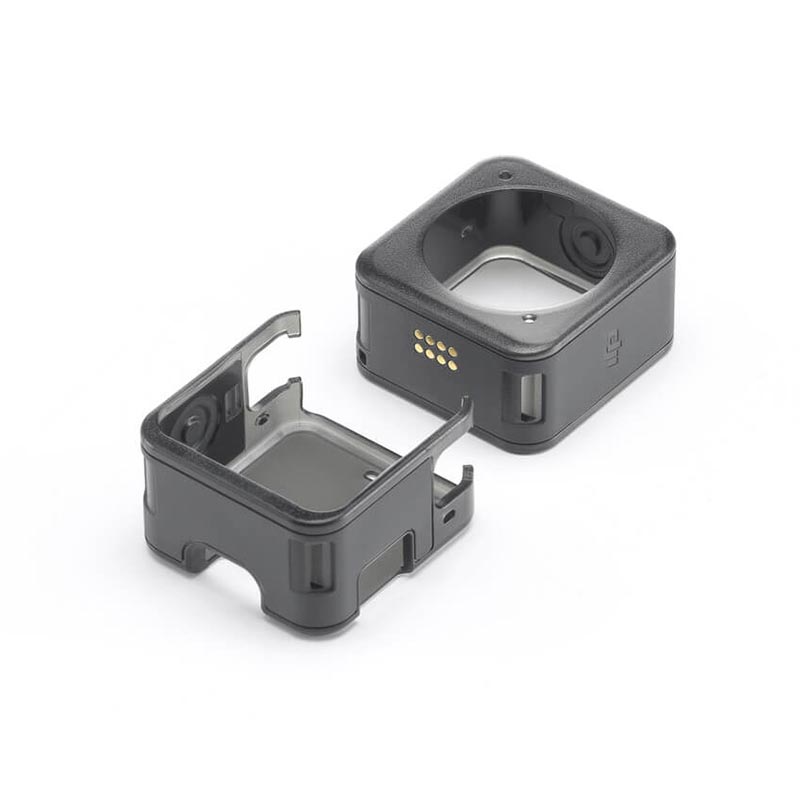
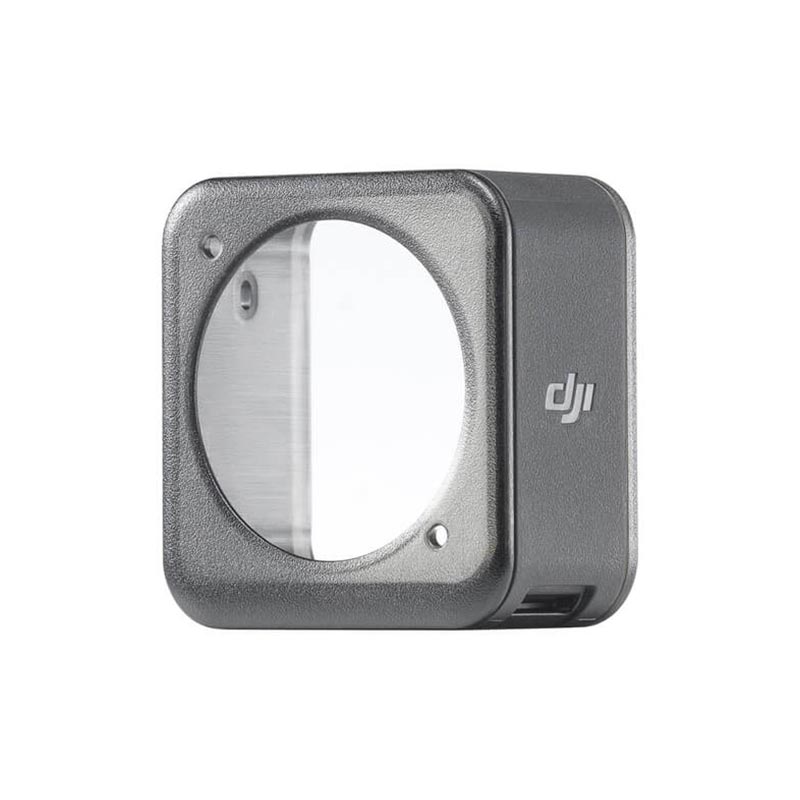
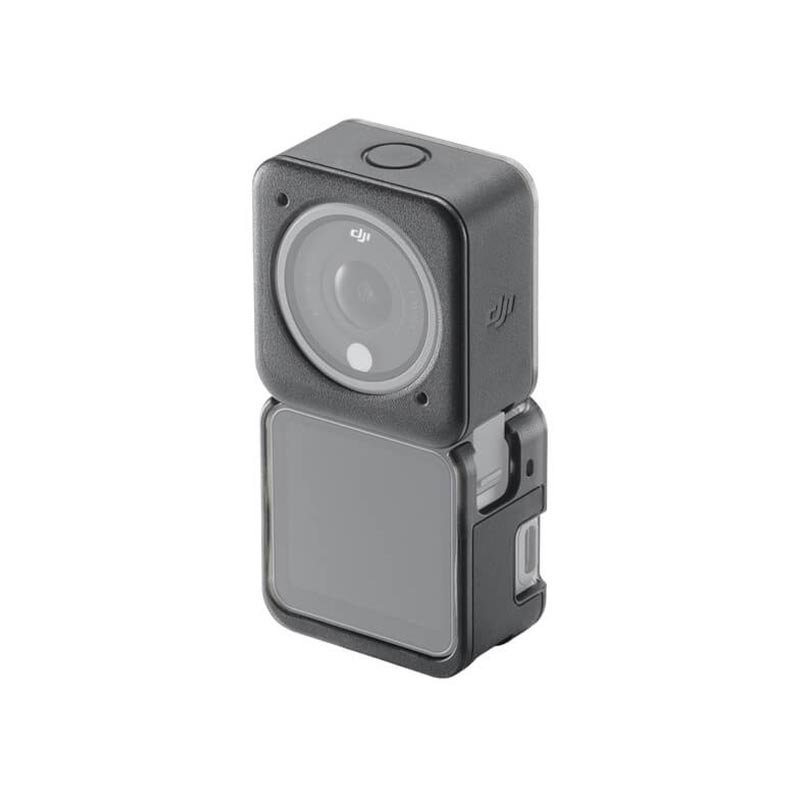
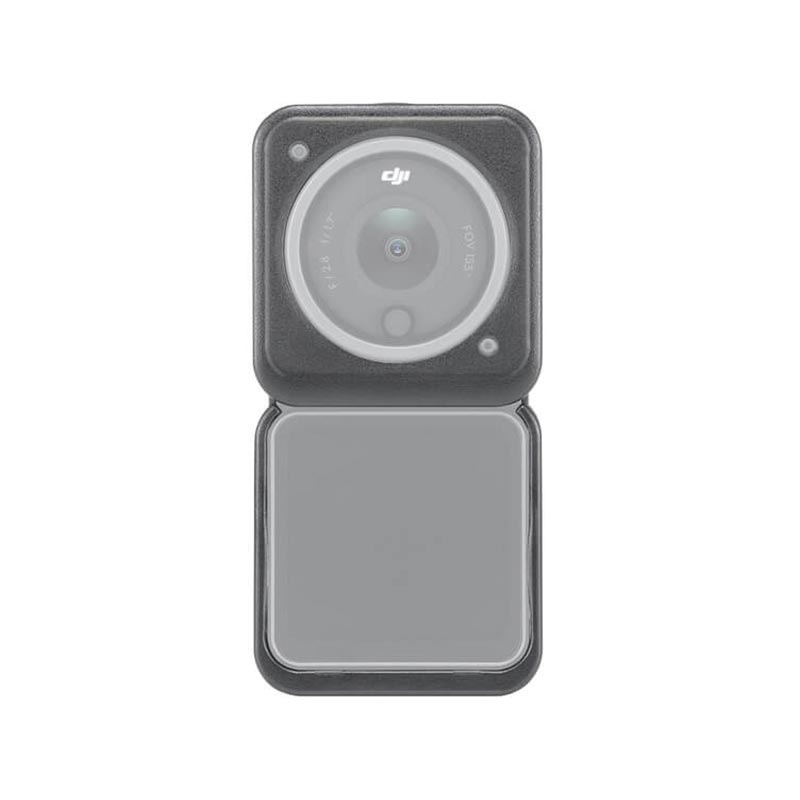
The DJI Action 2 Magnetic Protective Case helps prevent damage to the Camera Unit from impact, scratches, and abrasions. An additional case is compatible with the Front Touchscreen Module and Power Module. Comprised of a heat-resistant polymer, the Magnetic Protective Case also optimizes video recording. DJI Action 2 automatically detects when the case is mounted, activating a heat control solution that increases recording length under normal conditions.

Highlights

Prevents damage from impact, scratches, and abrasions. Heat resistant to increase recording length under normal circumstances.

Tips

  1. Before mounting the Magnetic Protective Case, wipe away any water or stains around the mounting points to prevent electrical problems and corrosion.
  2. Mounting the Magnetic Protective Case will not affect the power and data communication of the DJI Action 2 Camera Unit, Front Touchscreen Module, or Power Module.
  3. Before recording, make sure that the Magnetic Protective Case is securely mounted. Do not remove the protective case while DJI Action 2 is powered on.
  4. To remove the Magnetic Protective Case, push the camera unit or expansion module away from the case.
  5. Due to local regulations, some regions can only select the standard 48 °C Auto-Stop Rec Temp.
  6. Remove the Magnetic Protective Case from the Camera Unit when using the DJI Action 2 Waterproof Case, DJI Action 2 Macro Lens, or DJI Action 2 Magnetic Headband.
    7. It is recommended to remove the Power Module or the Front Touchscreen Module in biking, vehicle mount or other fast-moving scenarios.
  7. When using DJI Action 2 in salt water, remove the Magnetic Protective Case.

In The Box

Magnetic Protective Case ×1

(Includes two shells: One for the Camera Unit ×1 and one for the Front Touchscreen Module or Power Module ×1)

Compatibility

DJI Action 2 Camera Unit

DJI Action 2 Front Touchscreen Module

DJI Action 2 Power Module

[:]

Description

[:en]

Overview

The DJI Action 2 Magnetic Protective Case helps prevent damage to the Camera Unit from impact, scratches, and abrasions. An additional case is compatible with the Front Touchscreen Module and Power Module. Comprised of a heat-resistant polymer, the Magnetic Protective Case also optimizes video recording. DJI Action 2 automatically detects when the case is mounted, activating a heat control solution that increases recording length under normal conditions.

Highlights

Prevents damage from impact, scratches, and abrasions. Heat resistant to increase recording length under normal circumstances.

Tips

  1. Before mounting the Magnetic Protective Case, wipe away any water or stains around the mounting points to prevent electrical problems and corrosion.
  2. Mounting the Magnetic Protective Case will not affect the power and data communication of the DJI Action 2 Camera Unit, Front Touchscreen Module, or Power Module.
  3. Before recording, make sure that the Magnetic Protective Case is securely mounted. Do not remove the protective case while DJI Action 2 is powered on.
  4. To remove the Magnetic Protective Case, push the camera unit or expansion module away from the case.
  5. Due to local regulations, some regions can only select the standard 48 °C Auto-Stop Rec Temp.
  6. Remove the Magnetic Protective Case from the Camera Unit when using the DJI Action 2 Waterproof Case, DJI Action 2 Macro Lens, or DJI Action 2 Magnetic Headband.
    7. It is recommended to remove the Power Module or the Front Touchscreen Module in biking, vehicle mount or other fast-moving scenarios.
  7. When using DJI Action 2 in salt water, remove the Magnetic Protective Case.

In The Box

Magnetic Protective Case ×1

(Includes two shells: One for the Camera Unit ×1 and one for the Front Touchscreen Module or Power Module ×1)

Compatibility

DJI Action 2 Camera Unit

DJI Action 2 Front Touchscreen Module

DJI Action 2 Power Module

[:]

Specification

dfyvgbhnj

Βάρος0.2 κ.

Display

Βάρος0.2 κ.

Overview

Βάρος0.2 κ.

RAM

Βάρος0.2 κ.

Storage

Βάρος0.2 κ.

Video Card

Βάρος0.2 κ.

Connectivity

Βάρος0.2 κ.

Features

Βάρος0.2 κ.

Battery

Βάρος0.2 κ.

General

Βάρος0.2 κ.

Customer Reviews