



DJI Action 2 Magnetic Protective Case
Prevents damage from impact, scratches, and abrasions. Heat resistant to increase recording length under normal circumstances.
19.00 €
Εξαντλημένο
Εξαντλημένο
Consistency
5 Years of Innovation in the Skies
Drone Solutions
Largest Drone Shop in Greece
Guarantee
Delivered Exactly as Agreed
In-house Warehouse
High-Quality Inventory
Loyalty
98% Smiles Guaranteed
Description
Overview
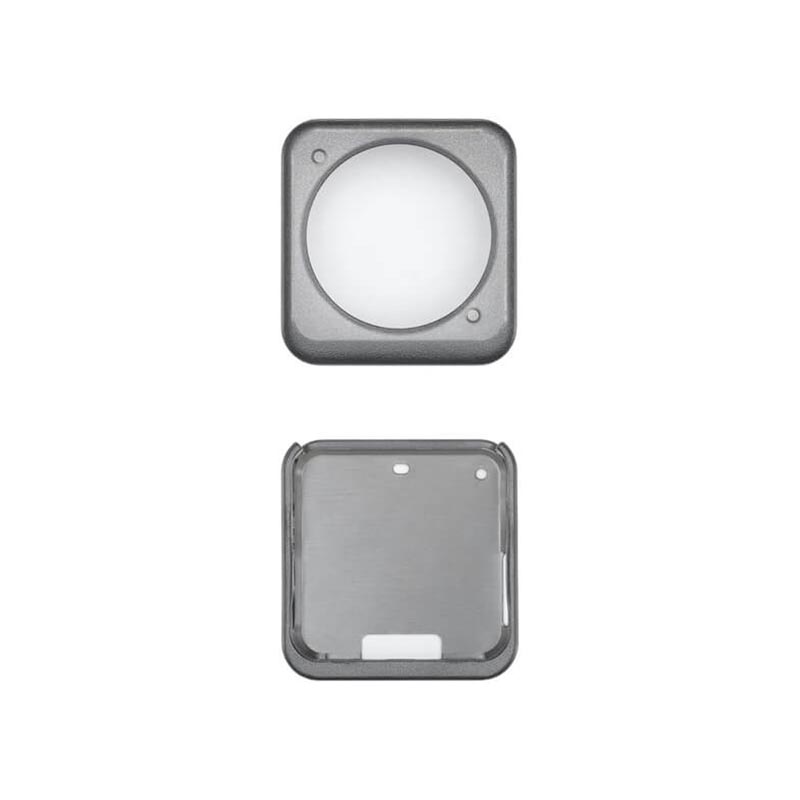
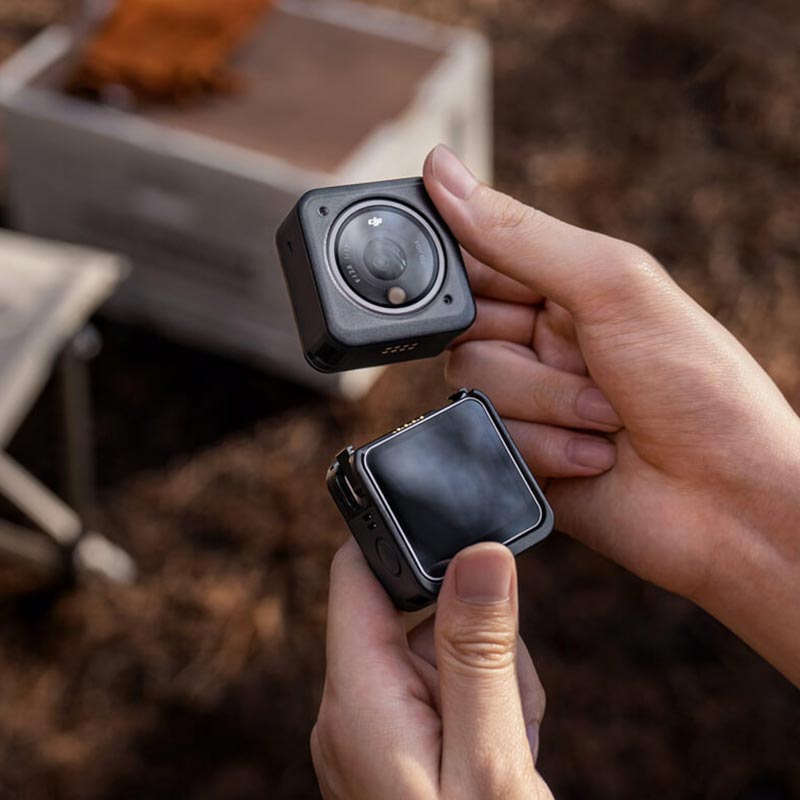
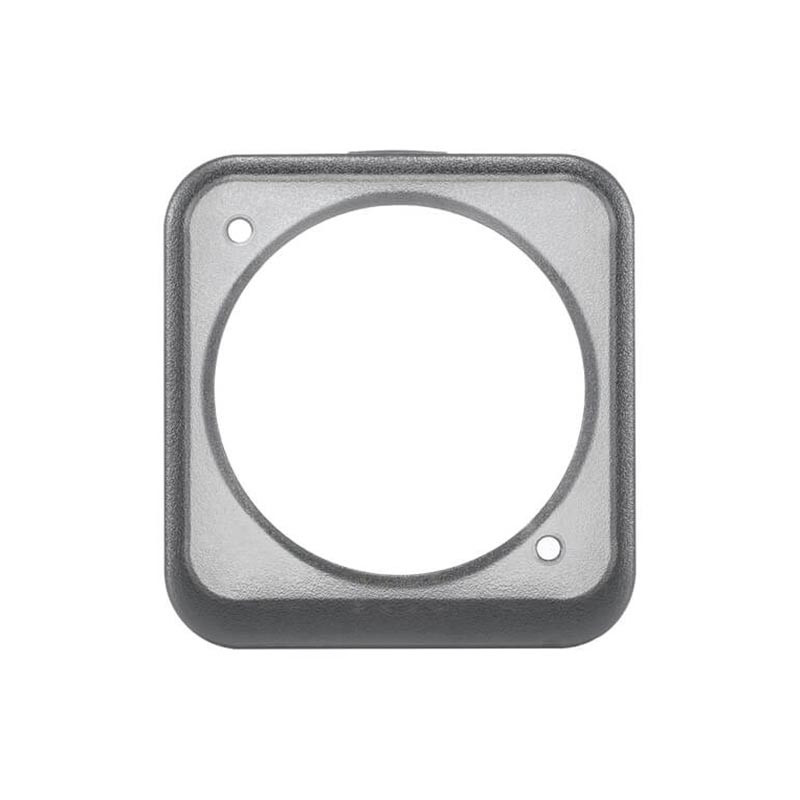
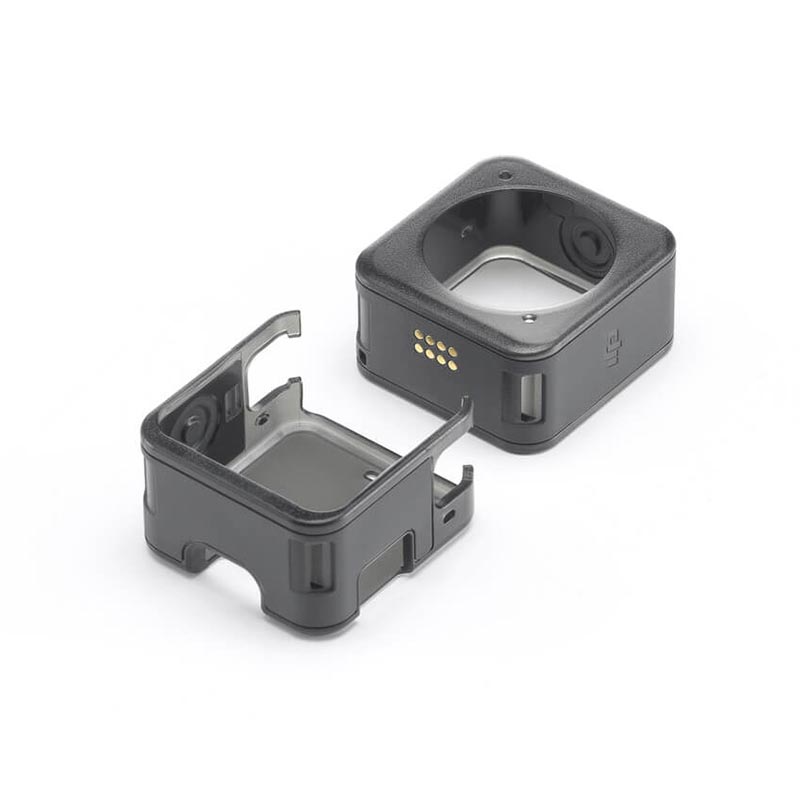
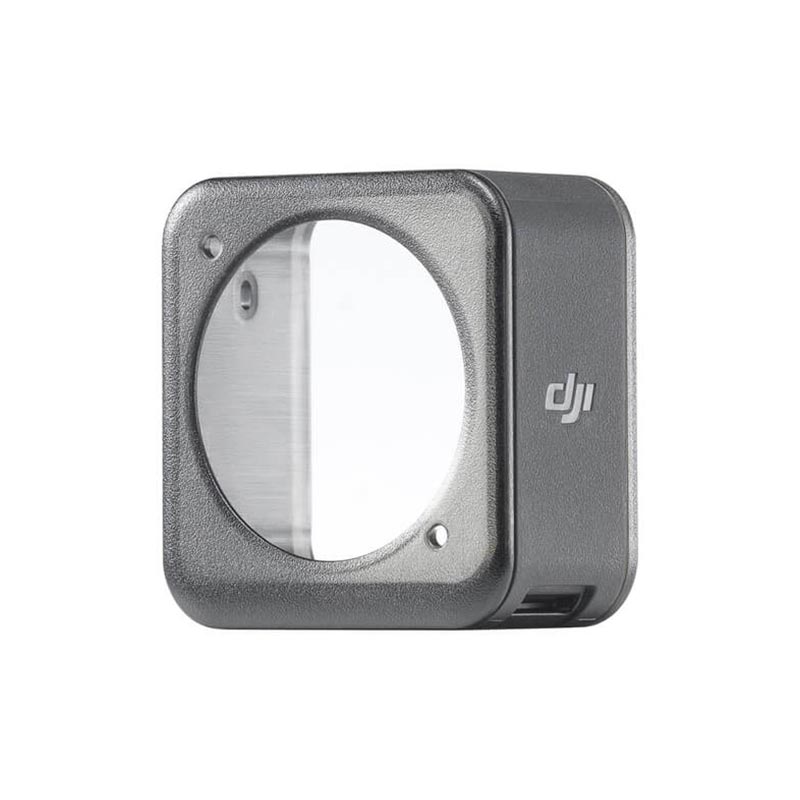
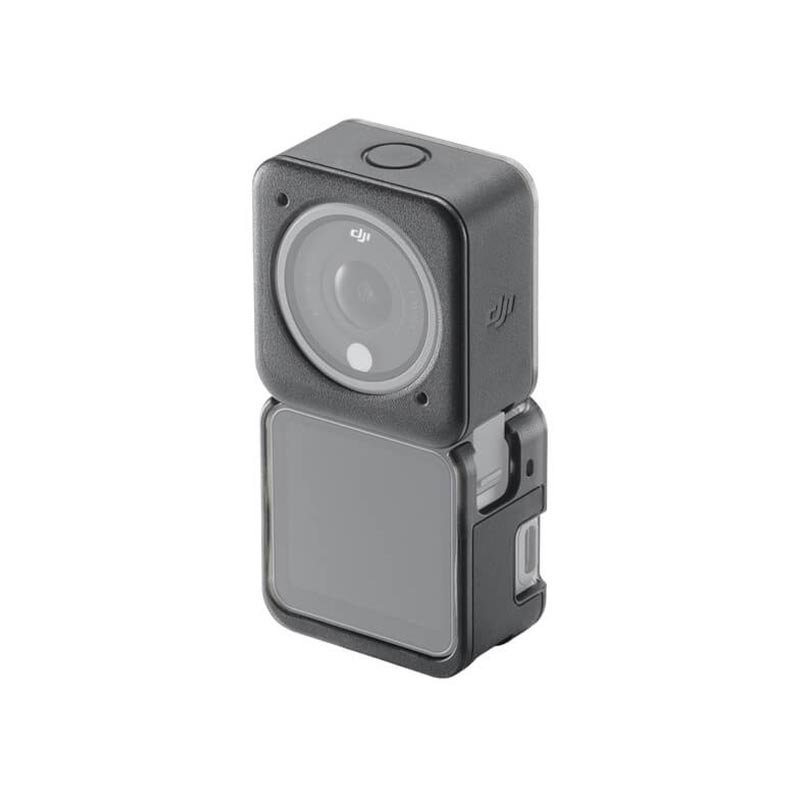
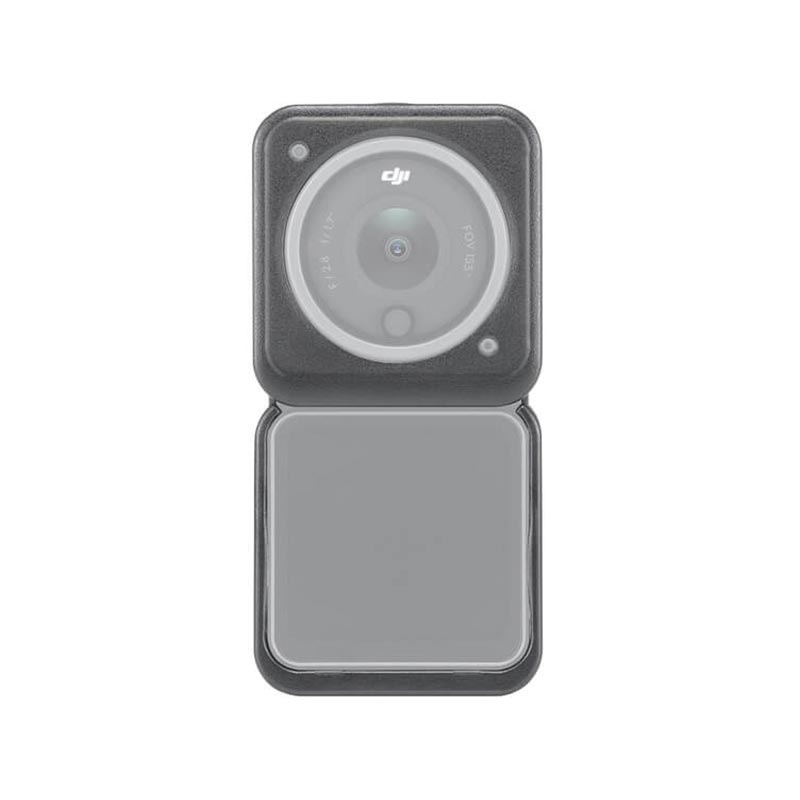
The DJI Action 2 Magnetic Protective Case helps prevent damage to the Camera Unit from impact, scratches, and abrasions. An additional case is compatible with the Front Touchscreen Module and Power Module. Comprised of a heat-resistant polymer, the Magnetic Protective Case also optimizes video recording. DJI Action 2 automatically detects when the case is mounted, activating a heat control solution that increases recording length under normal conditions.
Highlights
Prevents damage from impact, scratches, and abrasions. Heat resistant to increase recording length under normal circumstances.
Tips
- Before mounting the Magnetic Protective Case, wipe away any water or stains around the mounting points to prevent electrical problems and corrosion.
- Mounting the Magnetic Protective Case will not affect the power and data communication of the DJI Action 2 Camera Unit, Front Touchscreen Module, or Power Module.
- Before recording, make sure that the Magnetic Protective Case is securely mounted. Do not remove the protective case while DJI Action 2 is powered on.
- To remove the Magnetic Protective Case, push the camera unit or expansion module away from the case.
- Due to local regulations, some regions can only select the standard 48 °C Auto-Stop Rec Temp.
- Remove the Magnetic Protective Case from the Camera Unit when using the DJI Action 2 Waterproof Case, DJI Action 2 Macro Lens, or DJI Action 2 Magnetic Headband.
7. It is recommended to remove the Power Module or the Front Touchscreen Module in biking, vehicle mount or other fast-moving scenarios. - When using DJI Action 2 in salt water, remove the Magnetic Protective Case.
In The Box
Magnetic Protective Case ×1
(Includes two shells: One for the Camera Unit ×1 and one for the Front Touchscreen Module or Power Module ×1)
Compatibility
DJI Action 2 Camera Unit
DJI Action 2 Front Touchscreen Module
DJI Action 2 Power Module
Related Products
Osmo Action 5 Pro Adventure Combo
-
The Osmo Action 5 Pro Adventure Combo delivers a complete action‑camera package featuring rugged performance and versatile accessories. Included are the camera itself, three 1,950 mAh Extreme Battery Plus units (each offering up to 4 hours of 4K recording), a multifunctional charging case, a 1.5 m extension rod, waterproof housing, quick‑release mounts, lens protectors, anti‑slip pad, and adhesive bases.
At its core, the camera incorporates a large 1/1.3‑inch CMOS sensor capable of 40 MP stills and UHD 4K video up to 120 fps, with excellent dynamic range and low‑light performance thanks to SuperNight mode and 13.5‑stop range. Dual high‑brightness OLED touchscreens on the front (1.46″) and rear (2.5″) provide intuitive framing and control even in bright sunlight.
Advanced stabilization through HorizonSteady 360° and subject-centering/tracking mode ensure smooth, action-ready footage. The bare camera is waterproof to 20 m (extendable to 60 m with the case), operates between –20 °C and 45 °C, and supports Wi‑Fi 6, USB‑C, and external mic recording via DJI Mic 2
- Revolutionary Imaging Performance With an All-New 1/1.3″ Sensor
- Center and Track Subjects With Enhanced Precision
- Capture More With 4hrs Extended Battery Life
- Dual OLED High-Brightness Touchscreens
- Robust Stabilization With 360° HorizonSteady
- Professional Audio Recording With DJI Microphone Connection
DJI Action 2 Remote Control Extension Rod
Osmo Action 4 Adventure Combo
Osmo Action 4 Standard Combo
DJI Action 2 Magnetic Ball-Joint Adapter Mount
This magnetic mount can be used to stick Action 2 to smooth, flat surfaces. The adhesive base and ball-joint design allow you to stick Action 2 to surfaces at different angles to gain unique vantage points. Remove the adhesive base, and attach tripods, extension rods, or other third-party accessories via the 1/4" screw hole.


